Estimates & invoices
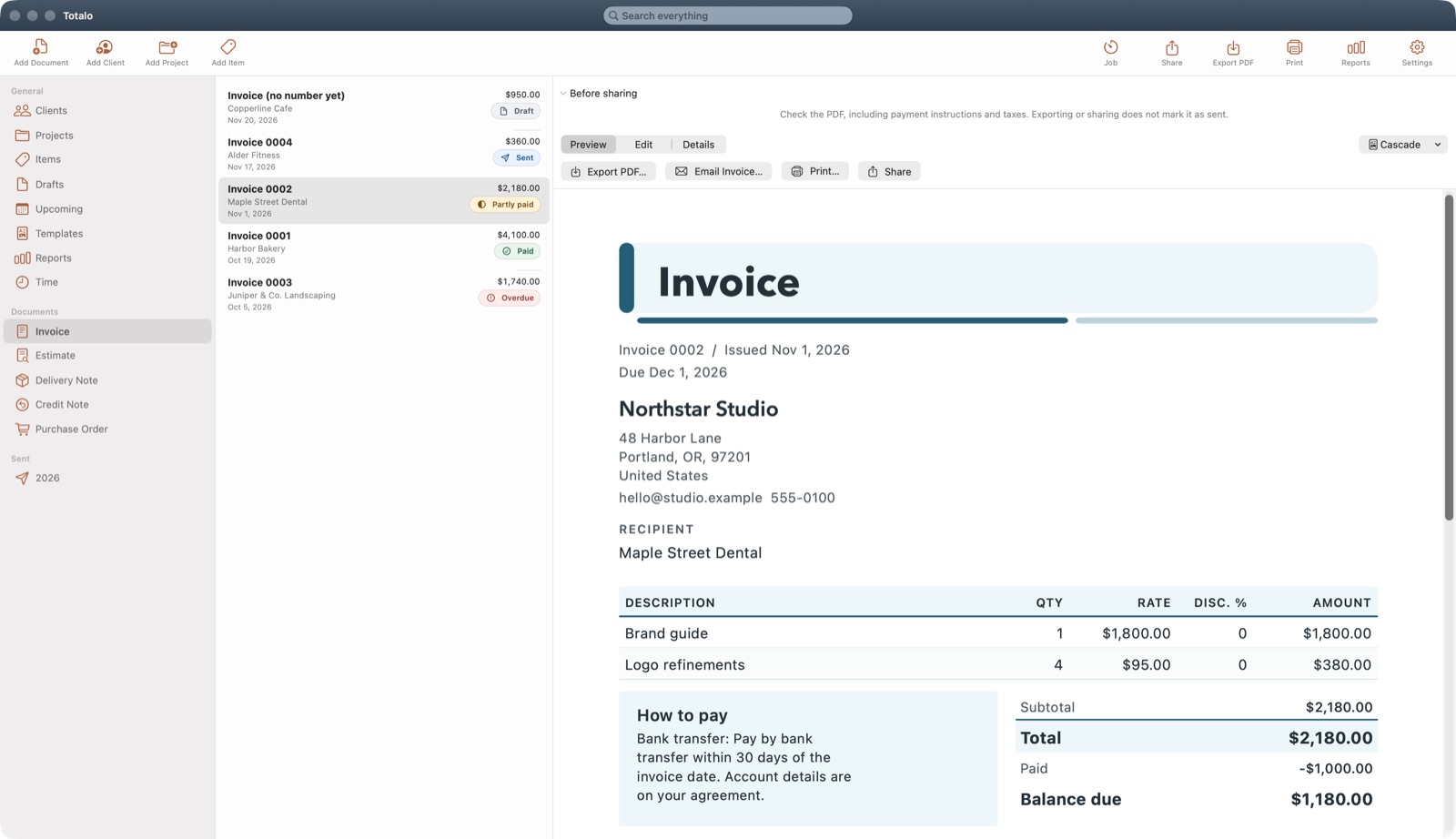
Agree the scope and price, create an invoice, and review the PDF before sharing. A services invoice can show just the work and its price, with no Quantity or Rate columns, and a job's PDF or pictures can follow the invoice in the same file.
Mac, iPhone and iPad. Hiding Quantity and Rate, and attachments, are in the current beta build.
Explore estimates & invoicesClient & project records
Keep contact details, related work and documents together. Give a client their own intro text (a yearly PO number, for example), closing text and invoice design, applied to each new document for them.
Core client and document workflows on Mac, iPhone and iPad; project interfaces vary by platform.
Explore client & project recordsBillable time
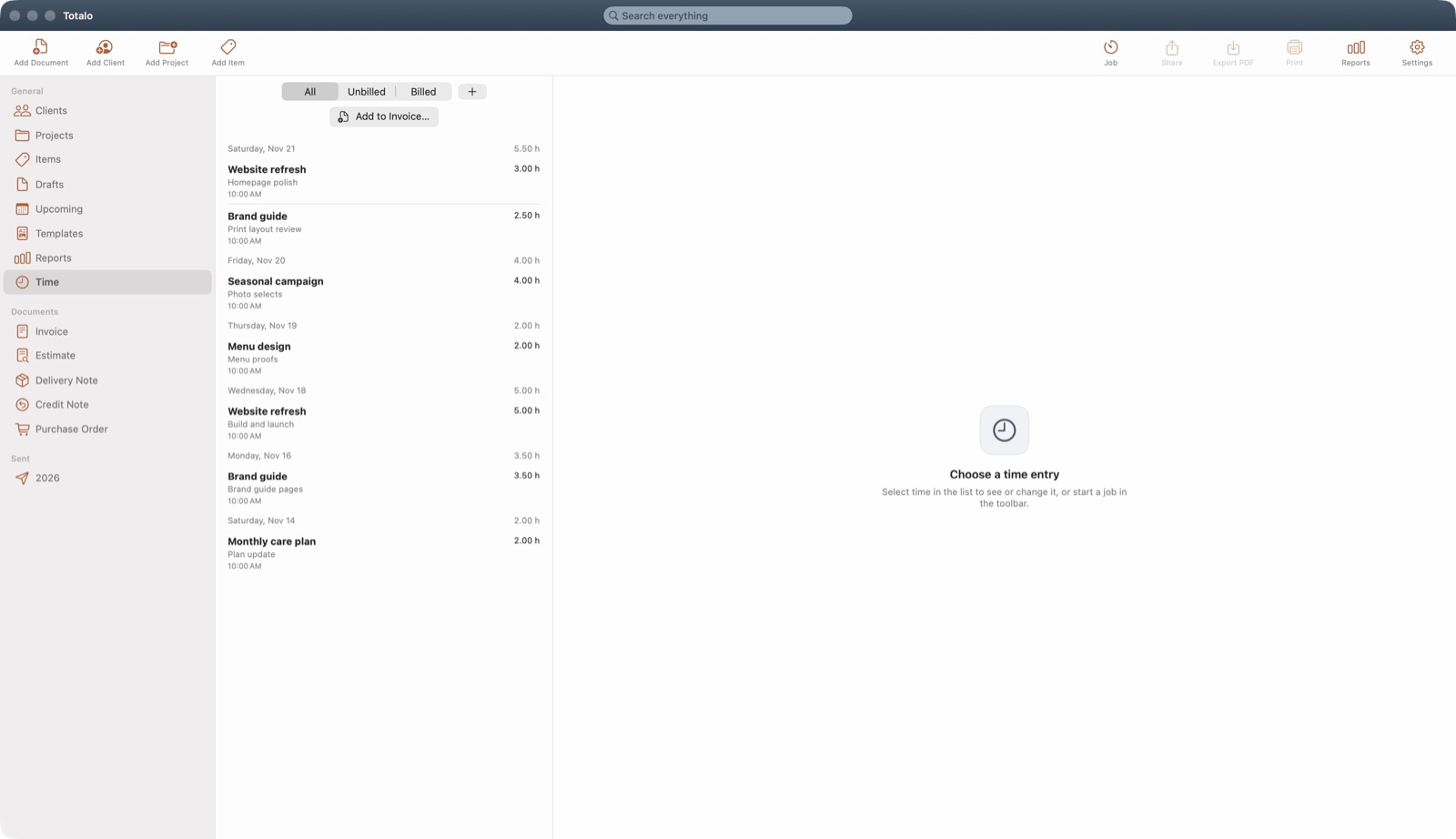
Start and stop a job, record breaks or add time manually, then use billable entries on an invoice.
Core time workflows on Mac, iPhone and iPad. The menu-bar timer is Mac-only.
Explore billable timeVisits & appointments
Link a visit to the work and add it to your calendar.
Check the workflow available in your beta build. Client booking is separate from staff scheduling.
Explore visits & appointmentsYour document appearance
Use a starting design and adapt the paperwork to your business: any font installed on your Mac, and your own wording for the table headings and the balance line. Review actual example PDFs.
Design customization is a Mac feature; mobile customization is not promised here.
Explore your document appearancePayment records & reports
Record full or partial invoice payments, review balances and see what remains outstanding.
Recording a payment does not mean Totalo processed the money.
Explore payment records & reportsStatements for past-due accounts
See every client with a past-due invoice, oldest first, and send each an account statement in your own invoice design. Leave any client out, and see when a statement last went out.
Mac, iPhone and iPad, in the current beta build. Totalo opens the message in your mail app or share sheet; you check it and send it. Totalo sends nothing itself.
Explore statementsSeveral invoices, one message
Choose a client's open invoices and attach each as its own PDF to one new message.
Mac, iPhone and iPad, in the current beta build.
Explore sending invoicesFields & stages
Keep a plate, a VIN or a reference on a client or an order, name the stages your orders move through, and move each one along with a tap.
Mac, iPhone and iPad, in an upcoming beta build.
Explore fields & stagesChoices & half-and-half
Sizes, sauces and toppings for made-to-order items, toppings on one half or the whole pizza, and your own rules for splitting.
Point of sale is in development and beta; arriving in an upcoming beta build.
Explore choices & half-and-halfLayouts & seasonal rooms
Save layouts for the restaurant such as Dinner, Patio closed or Private event, and switch in one tap.
Point of sale is in development and beta; arriving in an upcoming beta build.
Explore layoutsMy Pay
Round your own clocked hours the way your employer does and see estimated take-home by pay period.
In the current beta build (build 23) on Mac, iPhone, iPad and Apple Watch.
Explore My PayCounter sales
Build tickets with products or services and quantities, take cash, and keep the sale recorded.
POS beta access depends on the build. Integrated card processing requires separate confirmation.
Explore counter salesTips when you use them
Keep tips with the counter workflow when the business enables them.
Optional; capability and configuration depend on the build.
Explore tips when you use themKitchen & bar routing
Send relevant order items to their stations and keep their send state visible.
Physical printer compatibility and recovery still need hardware testing.
Explore kitchen & bar routingHost floor & seating
Work with rooms and table arrangements, combine tables, and seat guests.
Host Mode restricts access to the host workflow; check platform/build access.
Explore host floor & seatingServer orders & courses
Organize a check by seat and course, then send and fire orders through service.
Restaurant development/beta workflow; platform checks are still in progress.
Explore server orders & coursesSplitting checks
Split by seat and retain a clear record as service finishes.
Integrated card processing is separate from check handling.
Explore splitting checksEnd-of-day review
Review sales, cash, and restaurant server/guest measures where recorded; revisit past days.
Report coverage depends on recorded data and the build.
Explore end-of-day reviewSiri, Shortcuts & widgets
Start a job, manage a break, or check outstanding balances with supported Apple integrations. Build your own Shortcut to list past-due clients, make their statements as PDFs and prepare each message, then run it yourself or on a schedule.
Capabilities vary by platform. Mac email drafting with Apple Intelligence requires a compatible Mac, macOS 26 or later, and Apple Intelligence enabled.
Explore siri, shortcuts & widgetsLocal records & optional sync
Keep records locally and use optional private iCloud sync for supported records.
Personal iCloud sync is separate from a POS hub network.
Explore local records & optional syncImport & backup
Bring supported Totals 3 business records into Totalo and keep backups of your records.
Import, backup and restore are Mac features. Legacy layouts, smart folders and custom field values are not imported.
Explore import & backupWaitlist & table readiness
Add waiting parties, plan a table, and mark it ready for the next guests.
Implemented in current development source; beta access and platform review depend on the build.
Explore waitlist & table readinessStaff hours & scheduling
Clock staff in and out, review hours, and work with staff schedules.
Current development workflows; separate from billable client time. Confirm access in the beta build.
Explore staff hours & schedulingYour device setup
Choose a standalone device or explore a Mac hub with local-network terminals.
Local Wi-Fi is not internet access. Multi-device and hardware checks remain in progress.
Explore your device setup