POS · Development & beta
From the first seat to the final check.
Run restaurant point of sale and manage table service for hosts and servers.
Beta rollout is underway. Feature access depends on the build; general App Store availability will be announced separately.
Explore this setup ↗
Product image placeholder
From seating to the final check
Matching host and server views showing one table through service.
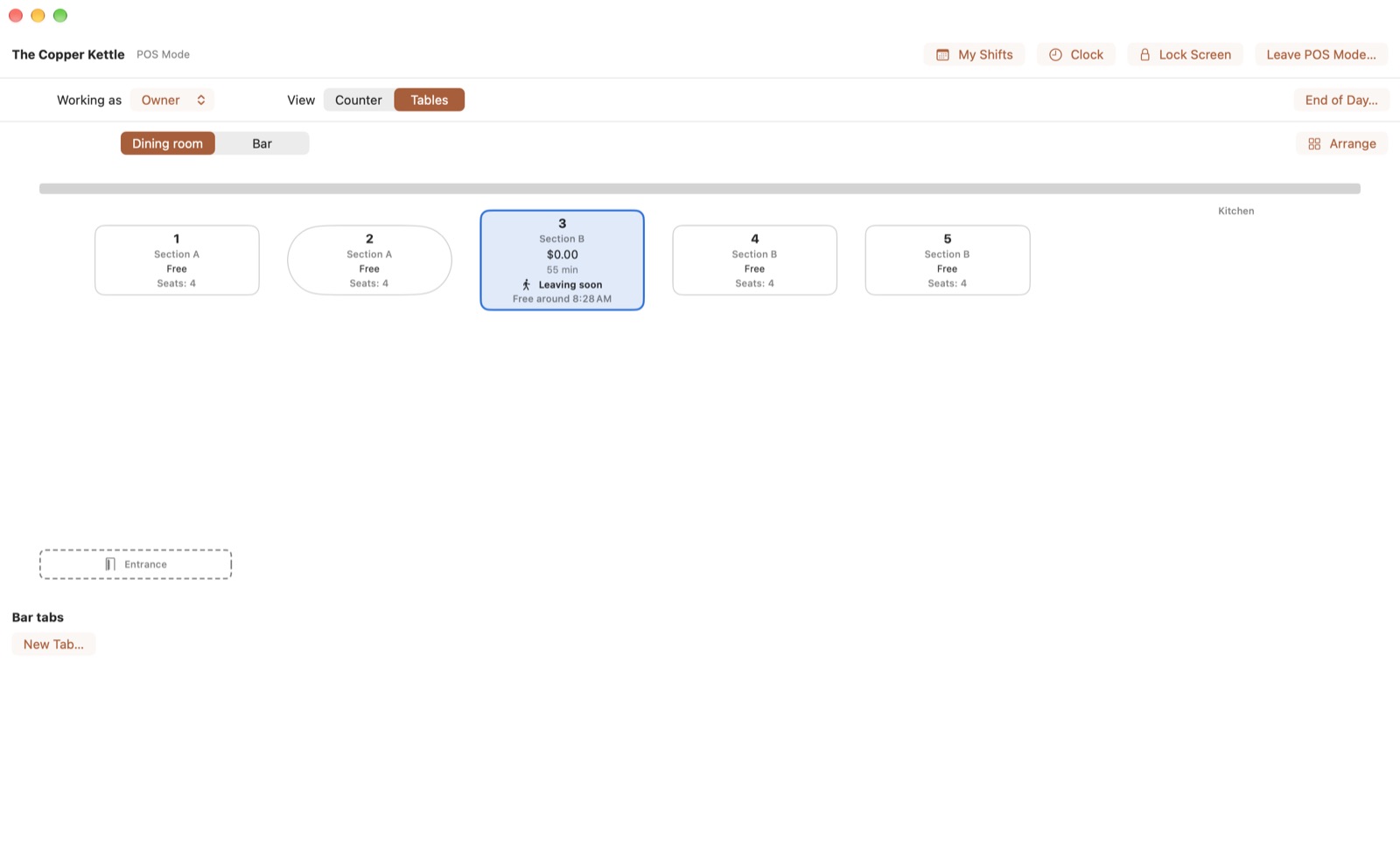
For hosts: start with the floor
Rooms, sections, joined tables, and Host Mode are working in development. The host can arrange and seat the floor while staff permissions keep the relevant work in view.
For servers: carry the table through service
Seat and course handling, sending and firing courses, and kitchen/bar routing have been exercised in development builds. Keep the check organized as the table moves through service.
Finish the check clearly
Split-by-seat and cash-payment flows have been checked in development. Integrated card payments require separate confirmation; a recorded external card payment is not proof that Totalo processed the charge.
Review service after the rush
End-of-day totals include server and guest measures where the underlying information exists. Past Days and printed reports are also implemented in development. Device, layout, accessibility, and physical-printer checks remain part of beta validation.
See the setup before choosing hardware.
Review what is being tested, what has been verified, and the equipment needed for a local network.
Printer and cash-drawer testing ↗Layouts for every service
Draw your rooms and tables once, then save layouts such as Dinner, Patio closed or Private event and switch between them in one tap. A seasonal room, like the patio, is easy to leave out in winter, and a table with an open check always stays on screen so switching never loses a check. Tables can be turned and drawn as booths, banquettes or high-tops. (Layouts are in an upcoming beta build.)